[求助]腾讯电脑管家-微信聊天备份 无法恢复和使用
一. 起因
在整理电脑文件时发现有个 微信聊天备份 里面写了 这些文件原本存放位置
C:\ProgramData\Tencent\WechatBackup\Data\yonghengnm\2016年04月03日15点10分50秒
里面有4个文件 文件属性如下
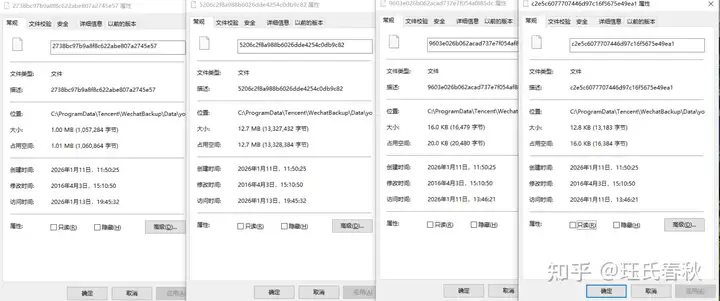
起初以为是Windows微信 的聊天备份文件 后来发现并不对 文件格式 文件内容都不符合
我根据这个备份的目录搜索到 与 腾讯电脑管家有关 便下载了 腾讯电脑管家但是最新版本已经没有了这个功能 贴吧发现这个帖子
https://tieba.baidu.com/p/4070823319?cid=0&pid=76513295322#76513295322
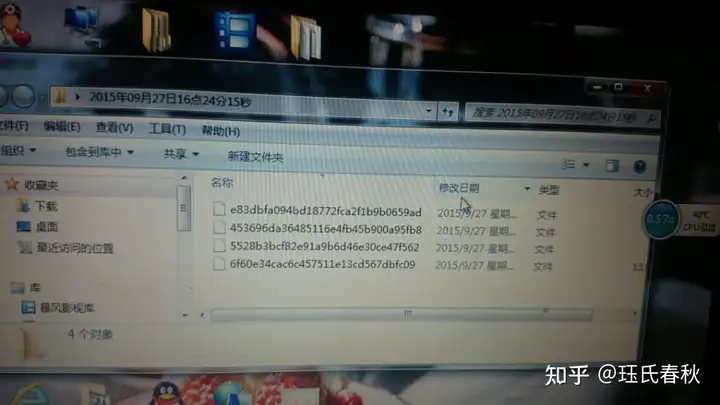
这里的文件和我的文件相似 确定了是 腾讯电脑管家做的备份
二.文件解密
首先我想直接解密看看 用WinHex查看文件 没有中文 没有英文 应该是加密了
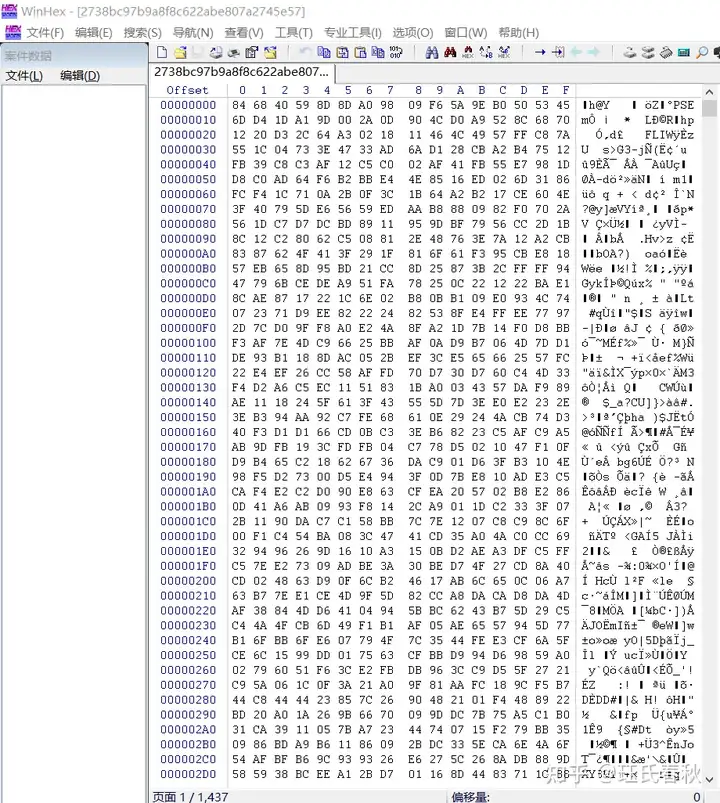
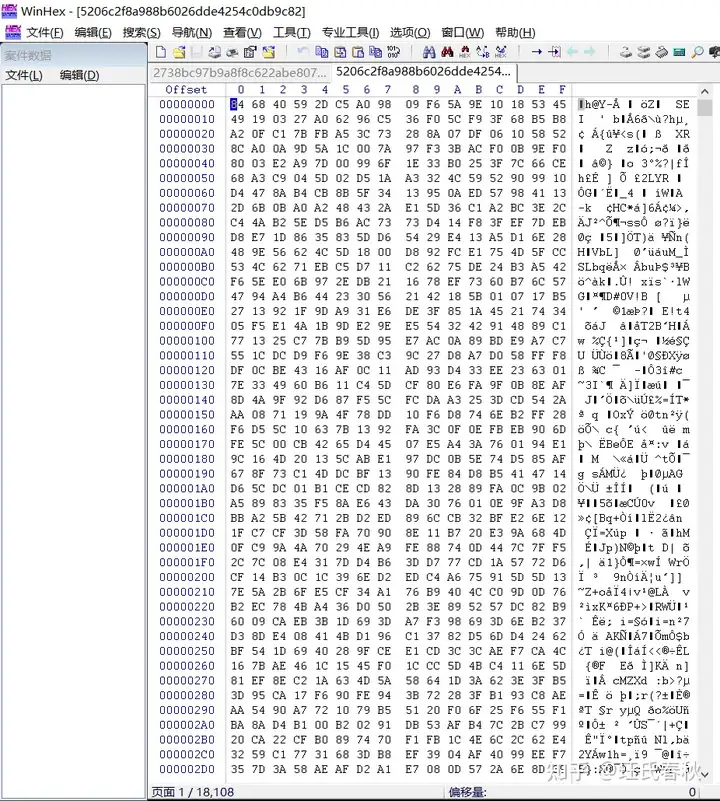
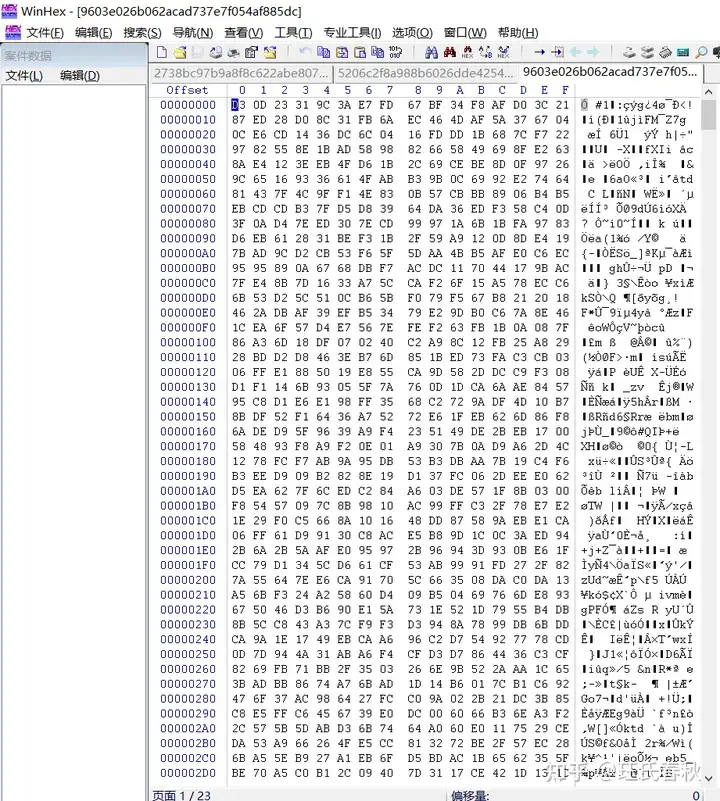
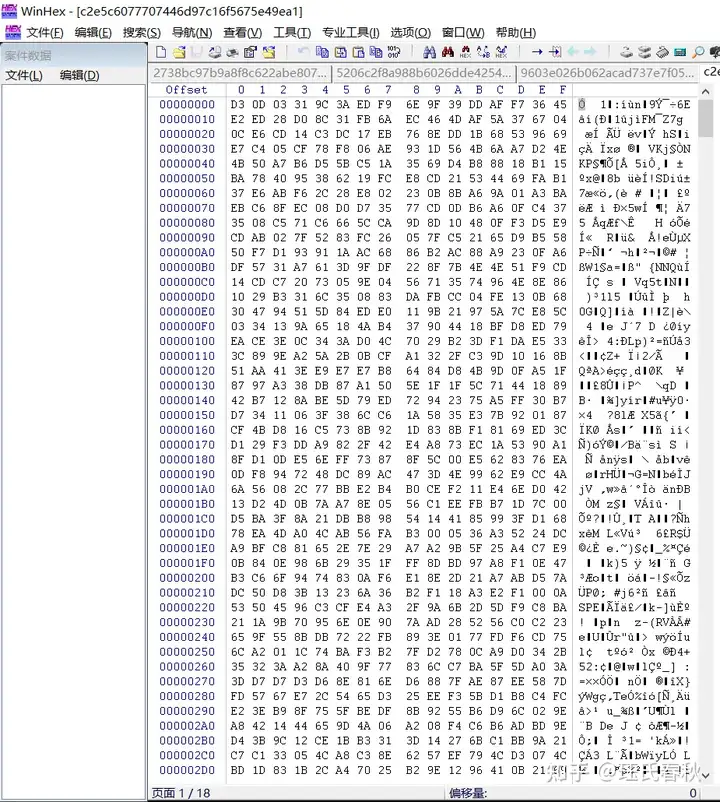
然后在网上搜索"Tencent\WechatBackup\Data" 在看雪帖子中
[原创]微信聊天备份加密原理
https://bbs.kanxue.com/thread-200129-1.htm
里面总结了:
算法分析:
\1. 备份在电脑中的加密文件有 WeChatMagicCode文件(聊天记录索引),data(聊天记录内容)文件,WechatGenInfoCode(记录用户的ID手机类型等信息)文件。
这些保存在文件 C:\Documents and Settings\All Users\Application Data\Tencent\WechatBackup\Data\wxid_XXXXX\XX年XX月XX日XX分XX秒下.
\2. 我们感兴趣的是data文件文件,该文件采用块加密方式。结构是长度XX+CRC32(四字节)+聊天记录内容。
\3. 加密密钥是0123456789abcdef(重大安全缺陷喔).
我根据这个线索找元宝帮我用python写解密程序
import os
import struct
import zlib
from Crypto.Cipher import AES

def rc4_decrypt(key, data):
    """RC4解密,加密解密使用相同函数"""
    S = list(range(256))
    j = 0
    out = []

    # KSA
    for i in range(256):
        j = (j + S[i] + key[i % len(key)]) % 256
        S[i], S[j] = S[j], S[i]

    # PRGA
    i = j = 0
    for char in data:
        i = (i + 1) % 256
        j = (j + S[i]) % 256
        S[i], S[j] = S[j], S[i]
        out.append(char ^ S[(S[i] + S[j]) % 256])
    return bytes(out)

def save_decrypted_data(filepath, data, suffix="_decrypted"):
    """保存解密后的数据到文件"""
    # 创建保存目录
    save_dir = os.path.join(os.path.dirname(filepath), "decrypted")
    if not os.path.exists(save_dir):
        os.makedirs(save_dir)

    # 生成保存路径
    filename = os.path.basename(filepath)
    save_path = os.path.join(save_dir, filename + suffix)

    # 保存文件
    with open(save_path, 'wb') as f:
        f.write(data)

    return save_path

def decrypt_file(filepath, aes_key_hex=None, save_result=True):
    with open(filepath, 'rb') as f:
        data = f.read()

    original_filename = os.path.basename(filepath)
    rc4_key = b'0123456789abcdef'

    # 尝试解析为带长度头的结构
    if len(data) >= 8:
        length = struct.unpack('<I', data[:4])[0]  # 小端
        crc32_stored = struct.unpack('<I', data[4:8])[0]

        if len(data) >= 8 + length:
            ciphertext = data[8:8+length]
            # RC4解密
            decrypted = rc4_decrypt(rc4_key, ciphertext)

            # 校验CRC32
            crc32_decrypted = zlib.crc32(decrypted) & 0xffffffff
            crc32_cipher = zlib.crc32(ciphertext) & 0xffffffff

            if crc32_decrypted == crc32_stored or crc32_cipher == crc32_stored:
                print(f"{original_filename}: 使用长度头结构,CRC32验证通过")
                file_structure = "长度头结构"
            else:
                print(f"{original_filename}: 使用长度头结构,CRC32验证失败,但仍继续处理")
                file_structure = "长度头结构(CRC32失败)"
        else:
            # 文件长度不够,可能不是此结构
            decrypted = rc4_decrypt(rc4_key, data)
            file_structure = "无长度头结构"
            length = None
    else:
        # 文件太小,直接RC4解密整个文件
        decrypted = rc4_decrypt(rc4_key, data)
        file_structure = "无长度头结构"
        length = None

    # 尝试AES解密
    final_decrypted = decrypted
    aes_used = False

    if aes_key_hex and aes_key_hex.strip():
        try:
            aes_key = bytes.fromhex(aes_key_hex.strip())
            # 根据帖子,可能需要跳过前0x14字节
            start = 0x14 if len(decrypted) > 0x14 else 0
            aes_ciphertext = decrypted[start:]

            if len(aes_ciphertext) >= 16 and len(aes_ciphertext) % 16 == 0:
                cipher = AES.new(aes_key, AES.MODE_ECB)
                aes_decrypted = cipher.decrypt(aes_ciphertext)
                final_decrypted = aes_decrypted
                aes_used = True
                print(f"  → 已应用AES解密 (密钥长度: {len(aes_key)*8}位)")
            else:
                print(f"  → AES密文长度不合适 ({len(aes_ciphertext)}字节),跳过AES解密")
        except Exception as e:
            print(f"  → AES解密失败: {e}")

    # 保存解密结果
    if save_result:
        suffix = "_aes_decrypted" if aes_used else "_rc4_decrypted"
        save_path = save_decrypted_data(filepath, final_decrypted, suffix)
        print(f"  → 已保存到: {save_path}")

    # 打印基本信息
    print(f"  → 文件大小: {len(data)} 字节")
    print(f"  → 解密后大小: {len(final_decrypted)} 字节")
    print(f"  → 结构类型: {file_structure}")

    # 尝试检测文件类型
    if len(final_decrypted) > 4:
        # 检查是否是文本文件
        try:
            text_preview = final_decrypted[:200].decode('utf-8', errors='ignore')
            if any(c.isprintable() or c in '\r\n\t' for c in text_preview[:100]):
                print(f"  → 文本预览: {text_preview[:100]}...")
        except:
            pass

        # 检查常见文件头
        hex_header = final_decrypted[:4].hex()
        common_headers = {
            '504b0304': 'ZIP/Word/Excel/PPT',
            '25504446': 'PDF',
            '89504e47': 'PNG图片',
            'ffd8ffe0': 'JPEG图片',
            '47494638': 'GIF图片',
            '3c3f786d': 'XML文件',
            '7b5c7274': 'RTF文件',
            '504b0304': 'ZIP文件',
            '52617221': 'RAR文件',
            '1f8b0800': 'GZIP文件',
        }

        for header, filetype in common_headers.items():
            if hex_header.startswith(header):
                print(f"  → 可能文件类型: {filetype}")
                break

    print("-" * 60)
    return final_decrypted

if __name__ == '__main__':
    # 批量解密C:\93\目录下的文件
    folder = r'C:\93'
    files = [
        '2738bc97b9a8f8c622abe807a2745e57',
        '5206c2f8a988b6026dde4254c0db9c82',
        '9603e026b062acad737e7f054af885dc',
        'c2e5c6077707446d97c16f5675e49ea1'
    ]

    print("微信备份文件解密工具")
    print("=" * 60)

    # 询问AES密钥
    aes_key = input("请输入AES密钥(十六进制,如无则直接回车):").strip()

    # 询问是否处理所有文件
    process_all = input("处理所有4个文件吗?(y/n, 默认y): ").strip().lower() or 'y'

    if process_all == 'y':
        files_to_process = files
    else:
        # 让用户选择要处理的文件
        print("\n可用文件:")
        for i, f in enumerate(files, 1):
            filepath = os.path.join(folder, f)
            size = os.path.getsize(filepath) if os.path.exists(filepath) else "不存在"
            print(f"  {i}. {f} ({size}字节)")

        selection = input("\n请输入要处理的文件编号(用逗号分隔,如1,3,4 或 all):").strip()
        if selection.lower() == 'all':
            files_to_process = files
        else:
            indices = [int(i.strip()) for i in selection.split(',') if i.strip().isdigit()]
            files_to_process = [files[i-1] for i in indices if 1 <= i <= len(files)]

    # 处理文件
    results = {}
    for filename in files_to_process:
        filepath = os.path.join(folder, filename)
        if os.path.exists(filepath):
            print(f"\n处理文件: {filename}")
            try:
                decrypted_data = decrypt_file(filepath, aes_key, save_result=True)
                results[filename] = {
                    'path': filepath,
                    'decrypted': decrypted_data[:500],  # 只保存前500字节用于显示
                    'full_size': len(decrypted_data)
                }
            except Exception as e:
                print(f"处理文件 {filename} 时出错: {e}")
        else:
            print(f"文件不存在: {filepath}")

    # 总结
    print("\n" + "=" * 60)
    print("解密完成!")
    print(f"处理了 {len(results)} 个文件")

    # 显示保存位置
    save_dir = os.path.join(folder, "decrypted")
    if os.path.exists(save_dir):
        saved_files = os.listdir(save_dir)
        print(f"\n解密文件保存在: {save_dir}")
        print("包含文件:")
        for f in saved_files:
            full_path = os.path.join(save_dir, f)
            size = os.path.getsize(full_path)
            print(f"  - {f} ({size}字节)")
解密之后用WinHex查看文件
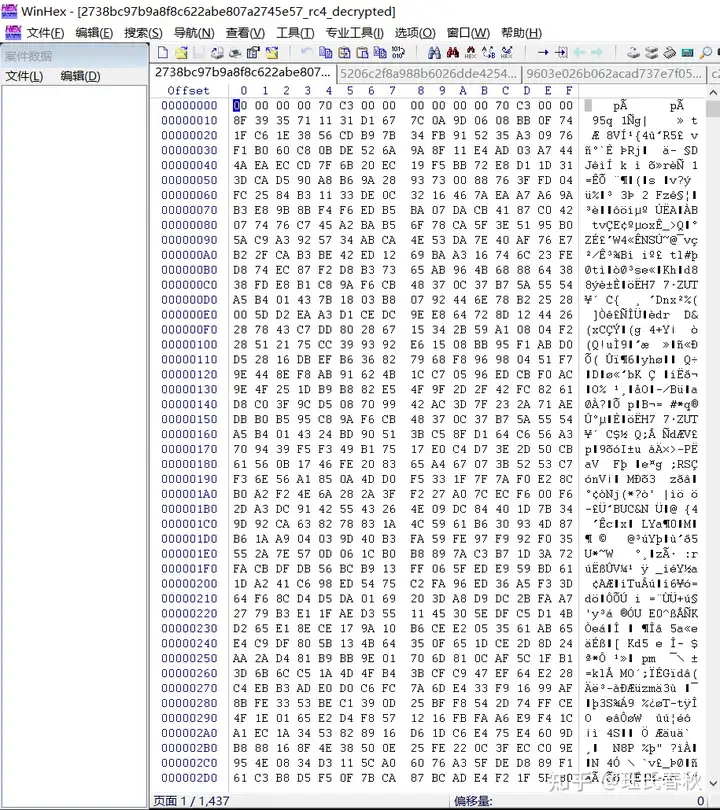
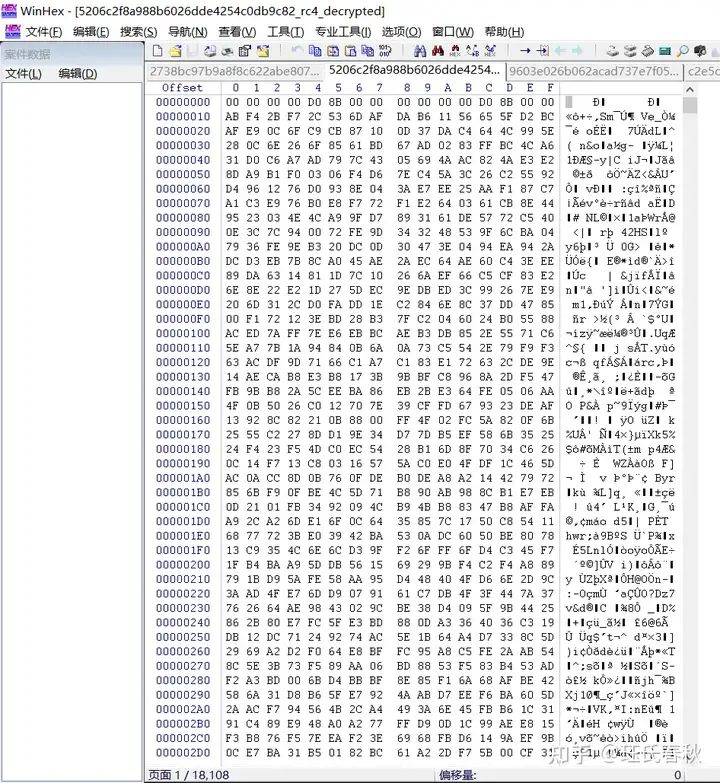
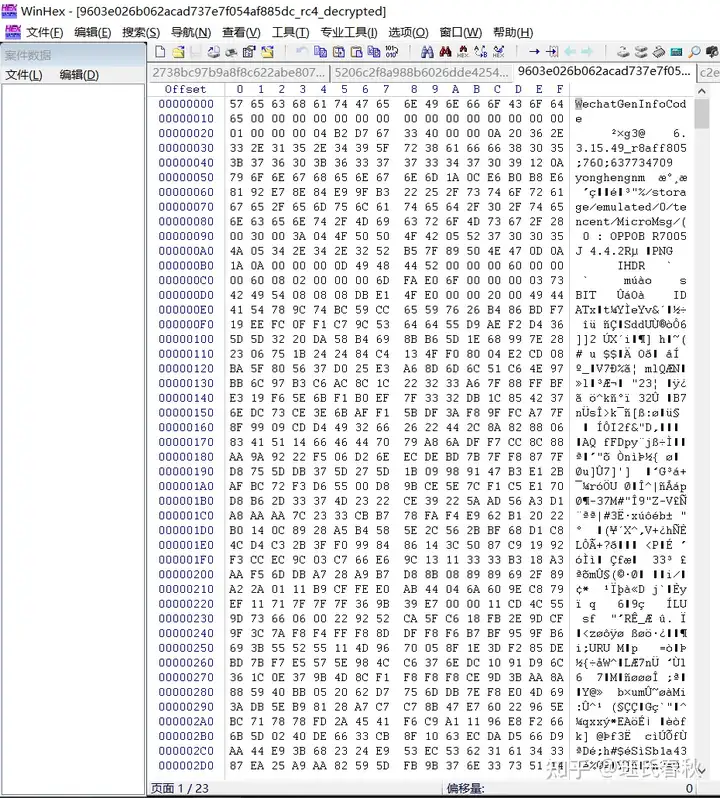
这个文件已经可以看到一些线索了 显示当时备份用的是
微信版本是:6.3.15.49 使用的OPPO R7005的手机Android版本是4.4.2
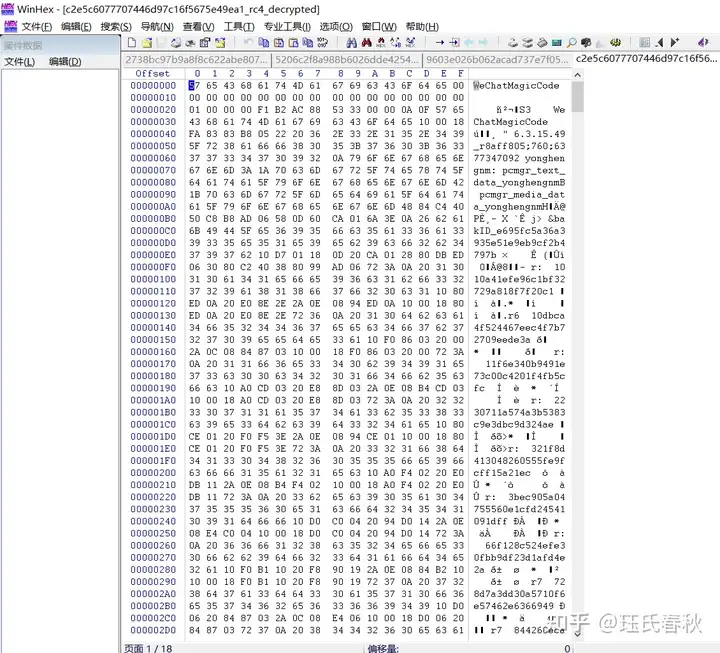
这个文件 也有一些可以读取的数字 字母的组合 和文件头说明
但是最大的文件 应该是备份文件 我尝试用 zip rar jpg mp4 db 等扩展名和相关软件都无法打开读取
三.腾讯电脑管家历史版本
在jb51网站找到
腾讯电脑管家微信聊天备份 V11.2.17058.221 免费绿色提取版
https://www.jb51.net/softs/410571.html

这里的二维码始终无法出现 而且 连接了手机也提示没有连接到手机
我又在jb51网站找到一些旧的腾讯电脑管家离线安装包
腾讯QQ电脑管家XP专版 2014 v8.11.11408 中文官方绿色免费版
https://www.jb51.net/softs/141077.html
2014-4-17
QQ电脑管家 2014最新版 10.2.15364 正式免费安装版
https://www.jb51.net/softs/182829.html
2014-8-1
腾讯电脑管家二合一杀毒版 v10.2.15378.205 体验绿色版
https://www.jb51.net/softs/201014.html
2014-8-6
腾讯电脑管家微信聊天备份 V11.2.17058.221 免费绿色提取版(jb51.net)
https://www.jb51.net/softs/410571.html
2015-12-17
腾讯电脑管家xp专版 v11.7.17785 官方最新版
https://www.jb51.net/softs/144955.html
2016-6-23
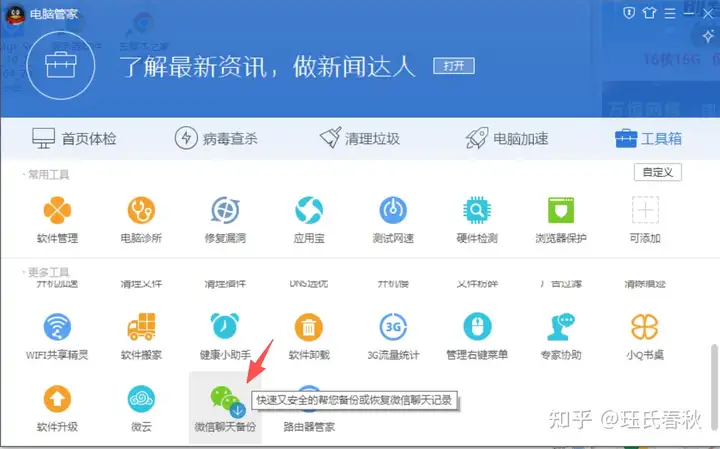
而且这个插件是在线下载的并且可以正常下载打开
一样的手机无法连接 我在最低的版本8.11 应用宝可以打开 微信聊天备份也可以打开
使用小米8 Android 10 连接之后提示 "您的手机安卓系统版本太低,无法连接手机" 想到这个微信聊天备份发布日期是2015年 对应的安卓版本应该是 安卓4 安卓5 安卓6 左右
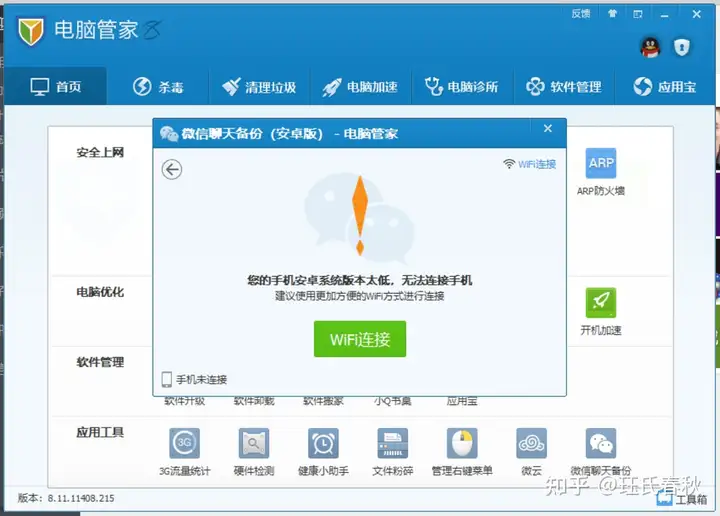
然后用更旧的手机 荣耀5C Android 6
使用腾讯电脑管家 v11.7.17785 右上角有个手机图标 调用的是应用宝但是应用宝已经无法连接 所以我用 电脑管家8.11的应用宝替换之后 手机可以连接
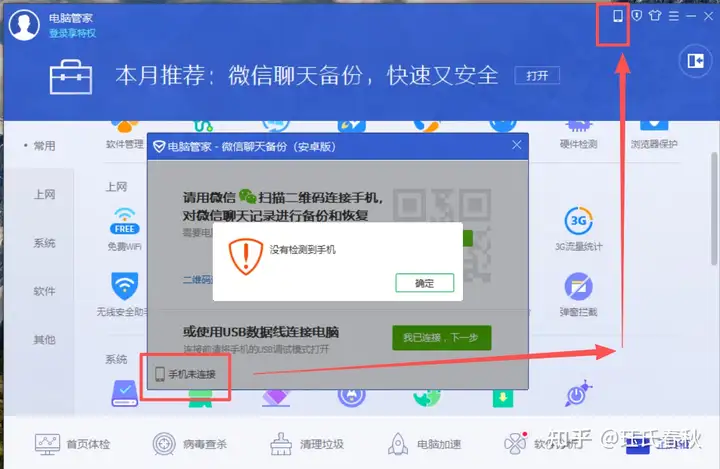
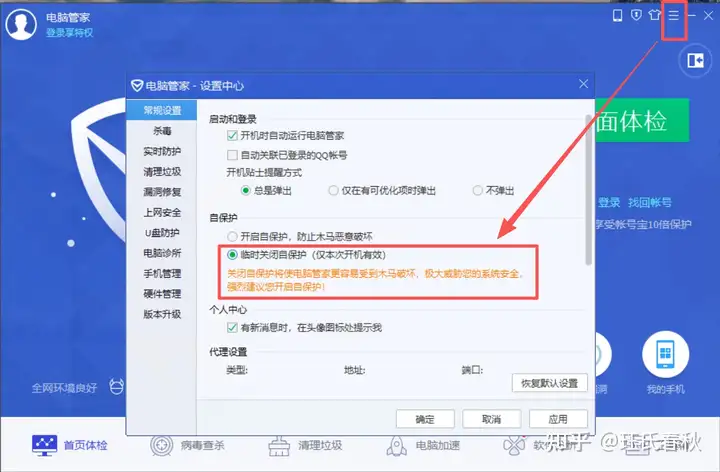
在设置里面 临时关闭自保护 才可以替换文件
最后应用宝可以连接上 但是 微信备份助手无法连接上
四.微信历史版本
安卓apk反编译我不会 这是最后的可能了

 发表于 2026-1-14 20:03
 |
发表于 2026-1-15 11:04
|
发表于 2026-1-15 11:04