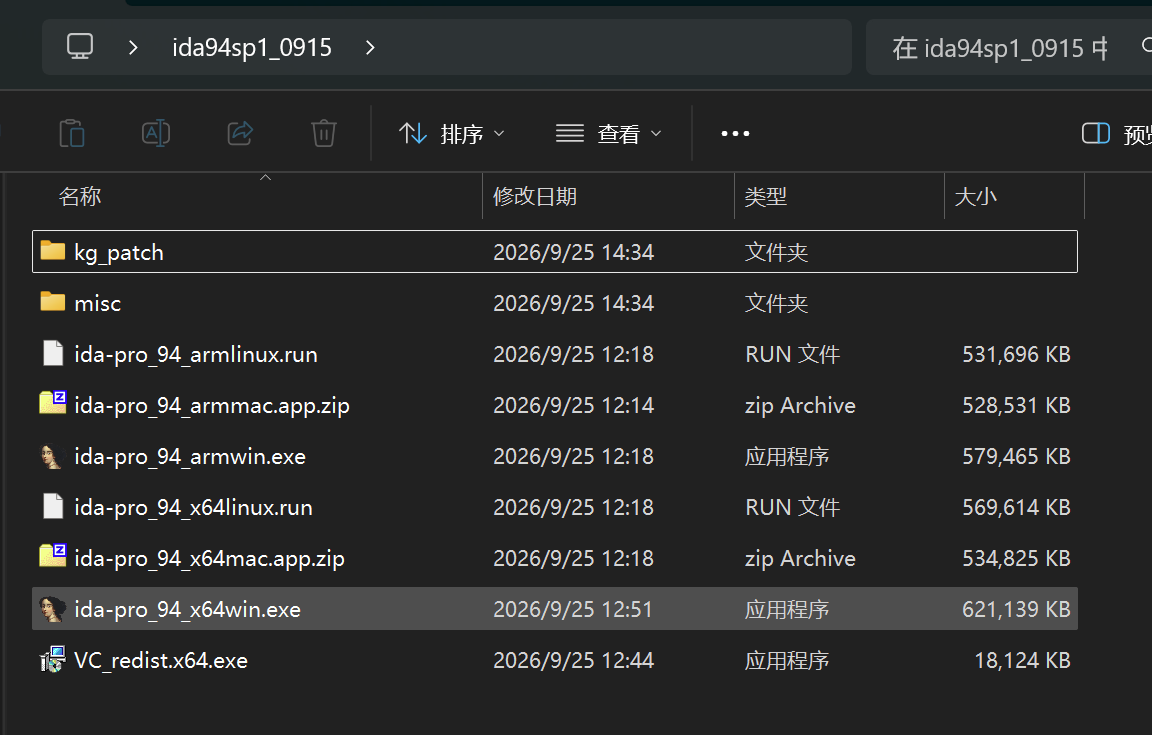
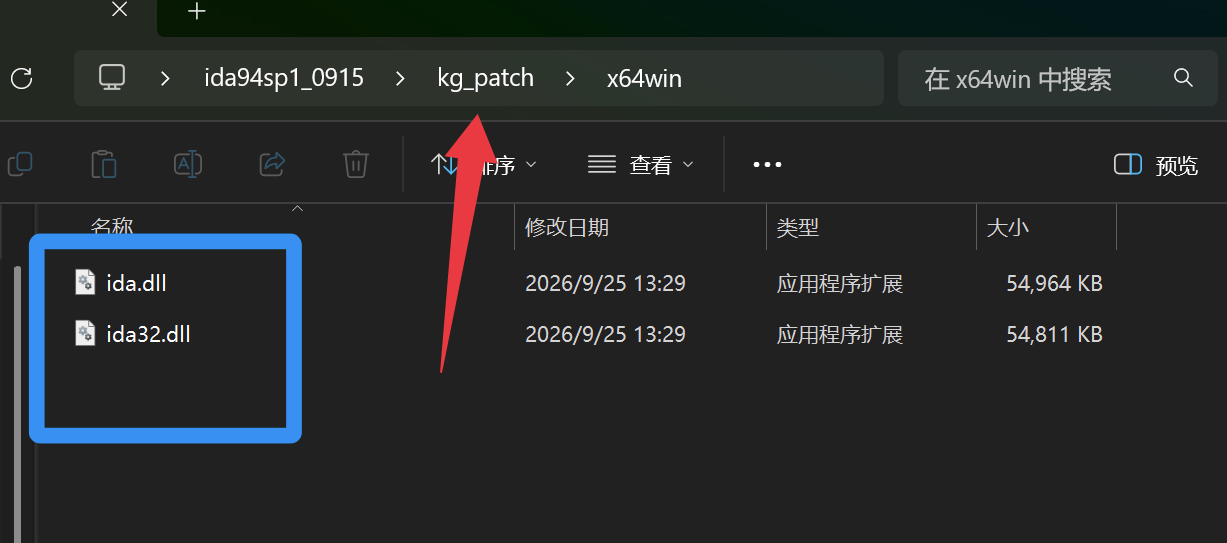
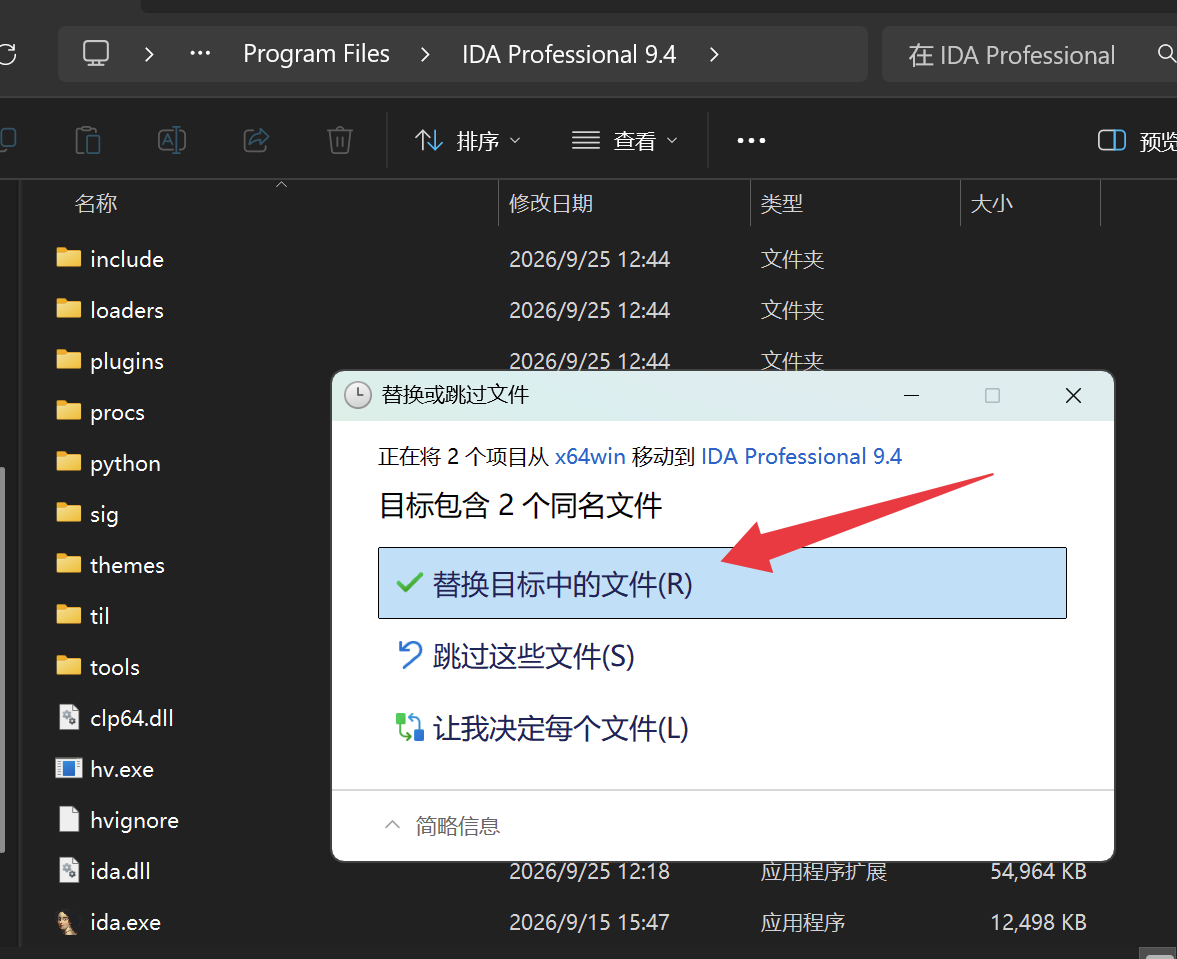
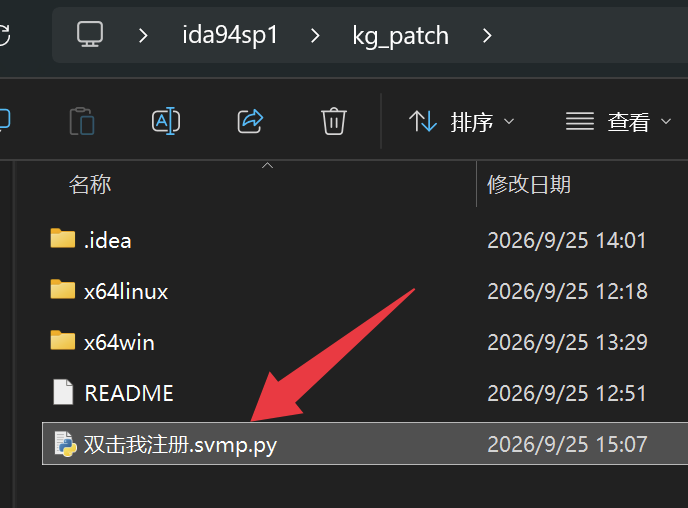
我来说一下macOS的激活方式吧。
在安装成功后,使用 [Bash shell] 纯文本查看 复制代码 /Applications/IDA Professional 9.5.app/Contents/MacOS
[Bash shell] 纯文本查看 复制代码 node /Users/886kagg/Downloads/ida95b1/kg_patch/keygen.js
License written to idapro.hexlic
Patching libida.dylib...
Patched libida.dylib (2 occurrences)
Patching libida32.dylib...
Patched libida32.dylib (2 occurrences)
I noticed you're currently running MacOS, you will have to resign both "libida32.dylib" and "libida.dylib" or else IDA will not start up.
You can do so by running the following commands:
# codesign --verbose --force --deep --sign - ./libida.dylib
# codesign --verbose --force --deep --sign - ./libida32.dylib
patch完成后,直接打开 App 即可 | 

 [复制链接]
 发表于 2026-10-3 15:39
 |
发表于 2026-10-11 01:16
|
发表于 2026-10-11 01:16